Couldn’t make the live session? No worries - we’ve got you covered.
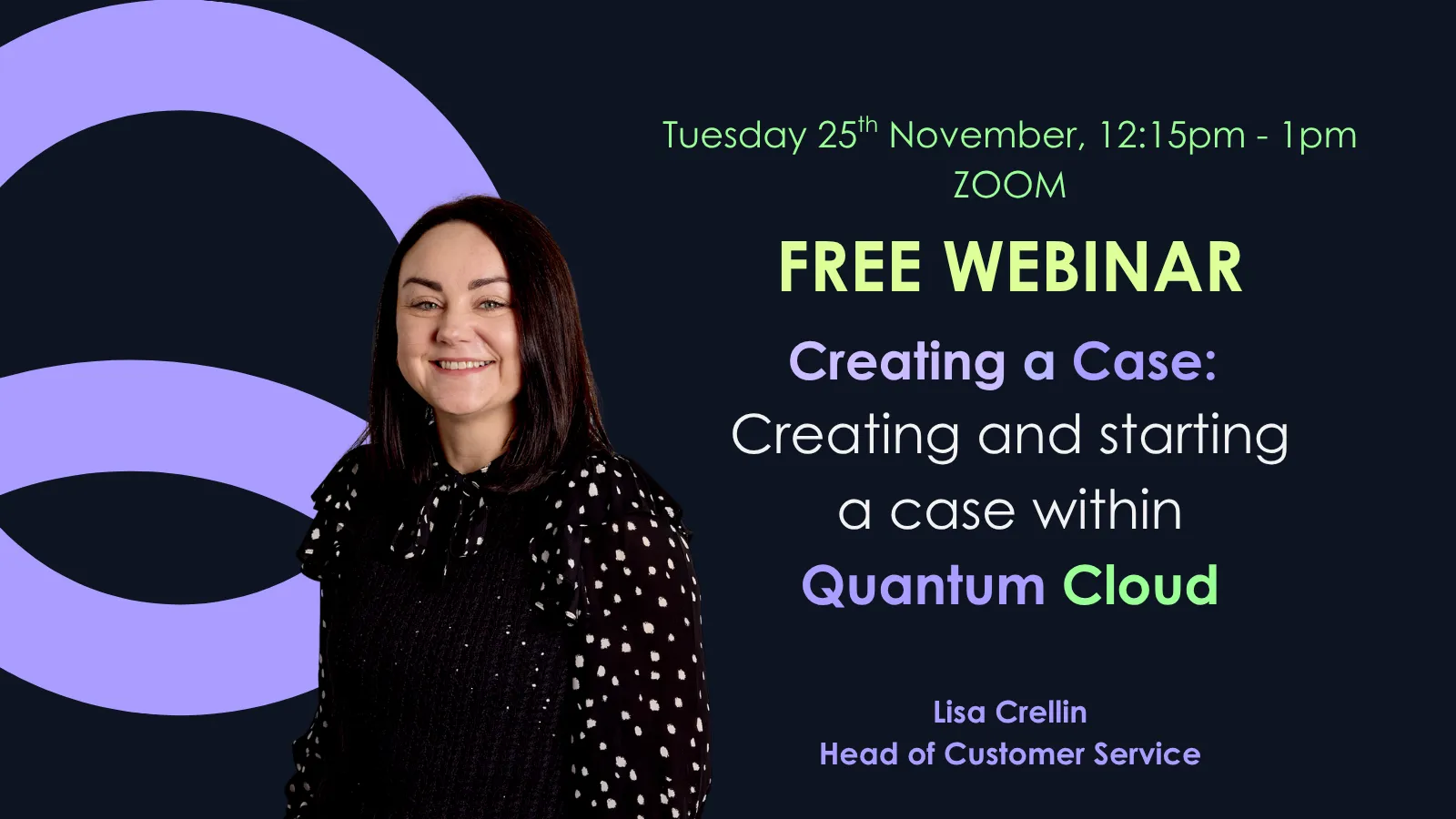
Our Creating a Case webinar is now available to watch on demand.
Creating a case is the very first step for any Quantum Cloud user, and we want to make sure you’re getting the most out of the software. In this session, we walk you through best practices for creating and starting a case with confidence.
Here’s what you’ll learn:
✅ How to create your case - and make it private
✅ How to work through your Case Information (including exchange rates and proceedings)
✅ How to set up collaborators and send your first form
We also wrapped up with a live Q&A, so you’ll hear answers to real user questions you might be wondering about too.
📌 Timestamps & Key Sections
00:00 - 00:48 — Welcome & Introduction
00:49 - 03:53 — Logging in & 2 factor authentication
03:54 - 05:11 — Setting the default Fee Earner details
05:12 - 11:59 — Creating a case
12:00 - 17:26 — Inputting the case information
17:27 - 21:06 — Setting up a collaborator
21:07 - 26:24 — Live Q&A
26:25 - 26:52 — Outro
Can my colleague and I work on the same case at the same time?
No, only one person can work on a case to avoid any editing conflicts. If you need to print off a form or document from a colleagues case you can, but if you want to make any changes, you need to assign the case to yourself.
Can I change the default fee earner details?
Yes, you can access the fee earner details by clicking your name in the top right hand-side corner of the screen and clicking ‘fee earner’.
Will I need to use 2FA every time I log in?
Yes, however you won’t need to scan the QR code every time. Once you have the number generated on your app, you just need to enter that 6-digit code. If you are having any issues with 2FA, please feel free to contact us.
Can I create multiple versions of a form?
Yes, depending on the form. Forms where multiple versions are often needed, such as the form H or N260, you can add new instances which will populate a new form. If you need to create a new version of a form that does not have this functionality, you can copy your case from the case dashboard, which will copy over all of the case information, and you can create the necessary form.