Download as a PDF
A Client's Guide to the Income Needs Table
/A Client's Guide to the Income Needs Table
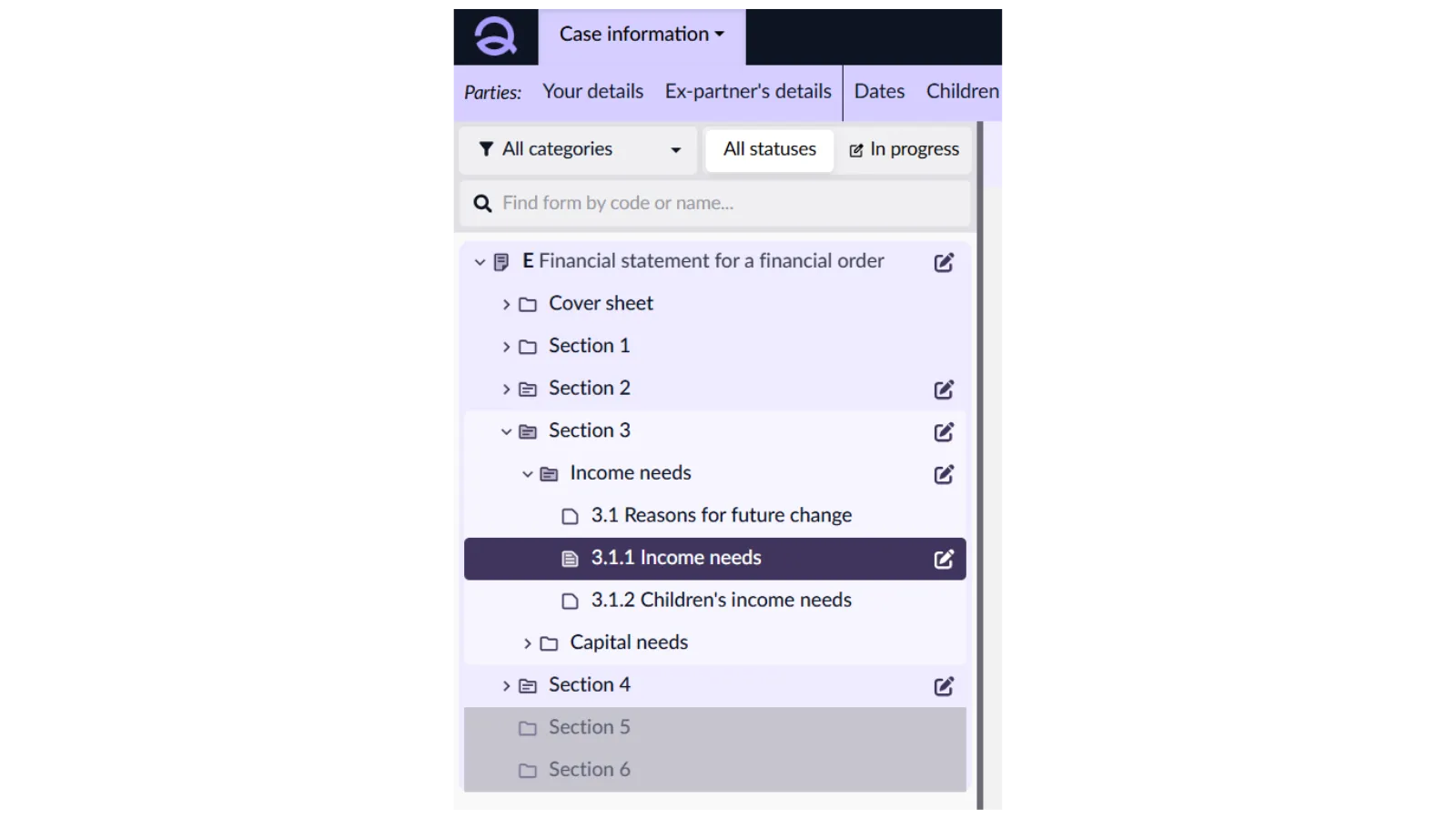
/You will find the ‘Income Needs’ section under section 3.1.1 of the Form E.
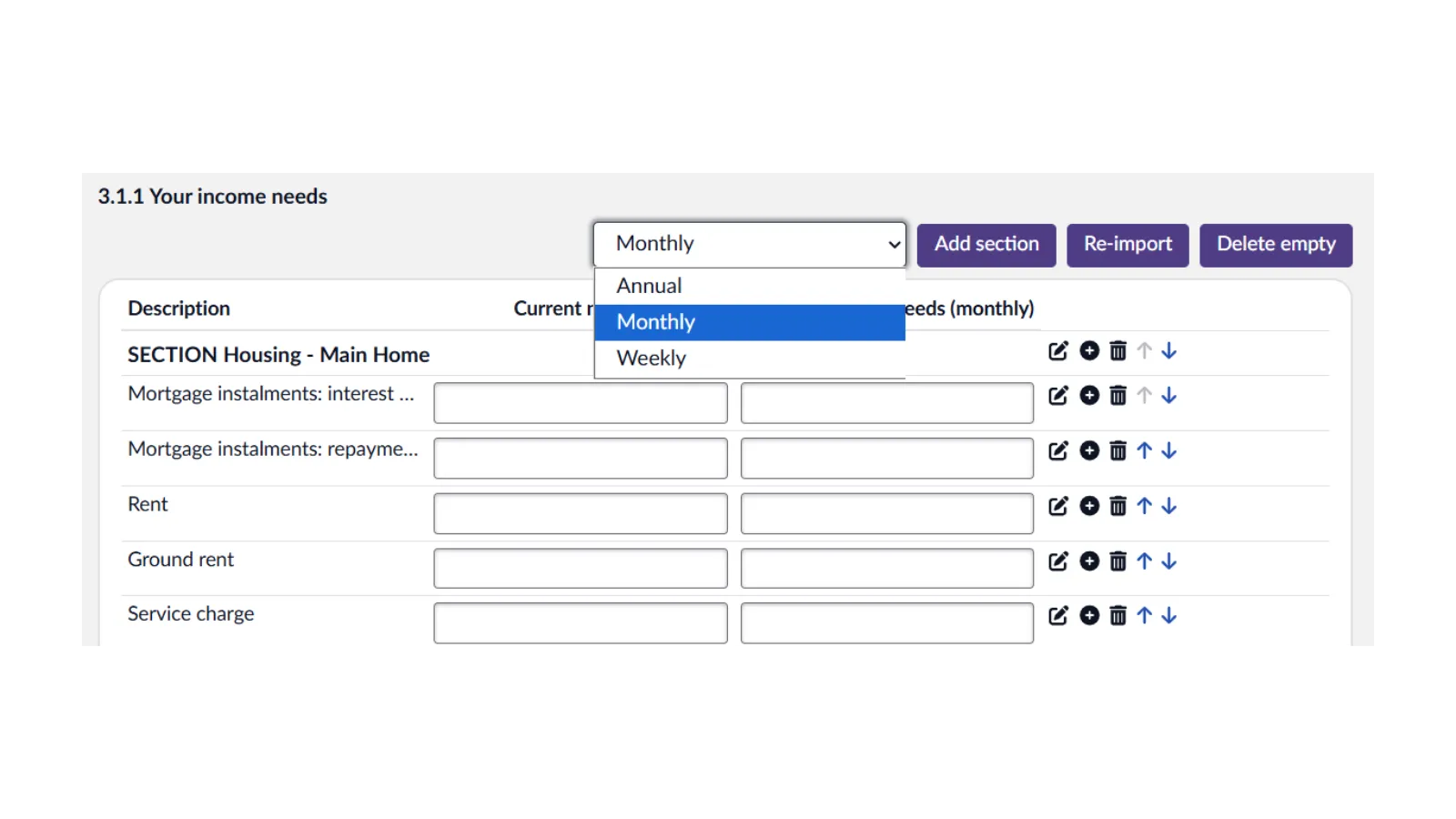
Here, you have the option to enter your income needs as weekly, monthly, or anual values. These can be selected from the drop down menu at the top of the page.
Please be sure to check your weekly, monthly, or anual value before you start entering your data.
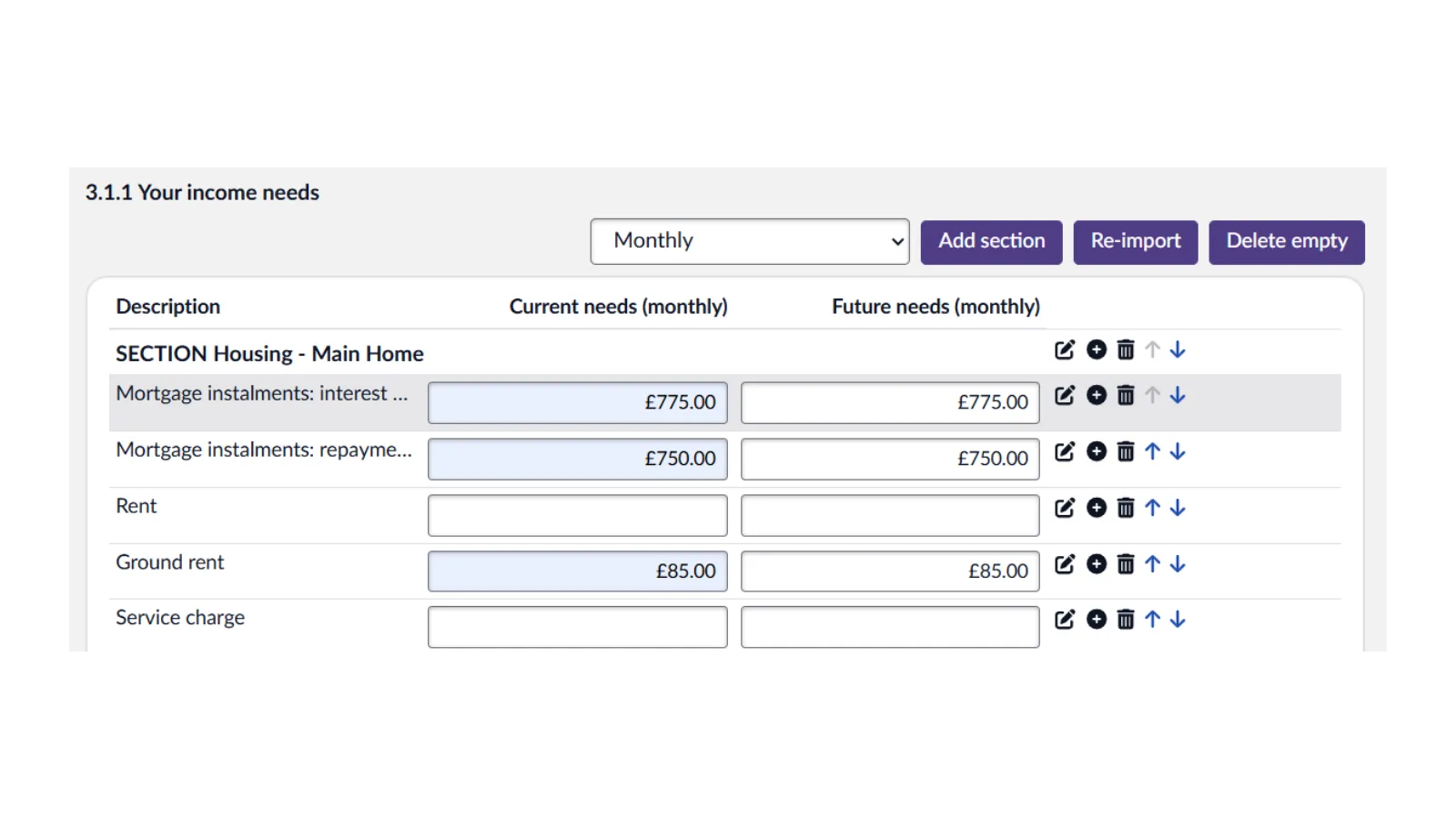
Work your way down the table and input your figures into the appropriate boxes. When you enter a value in the first box, the value will be automatically copied to the next box, however, you can still adjust the future needs value if necessary.
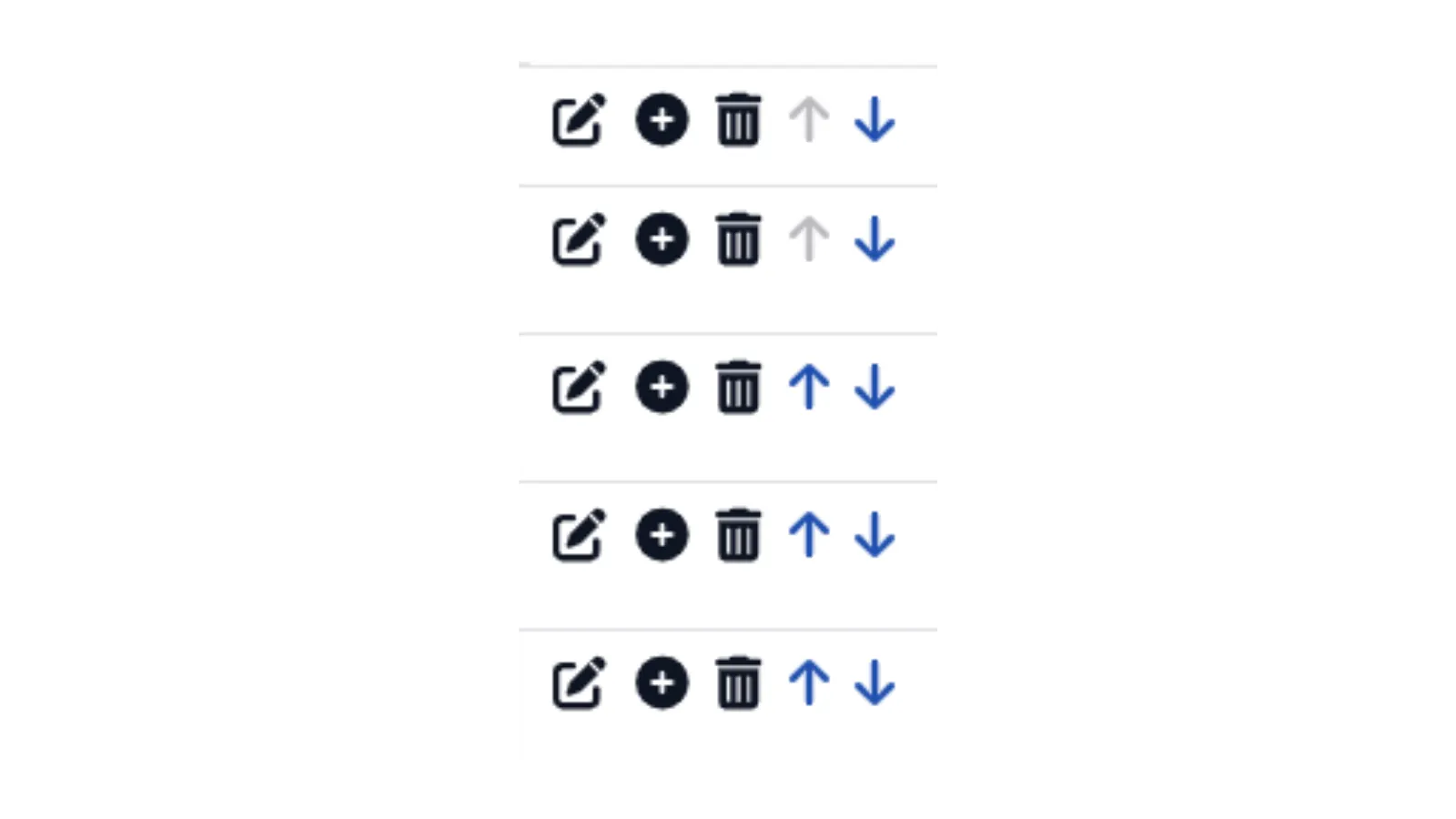
The icons to the right of each entry line allow you to make some amendments.
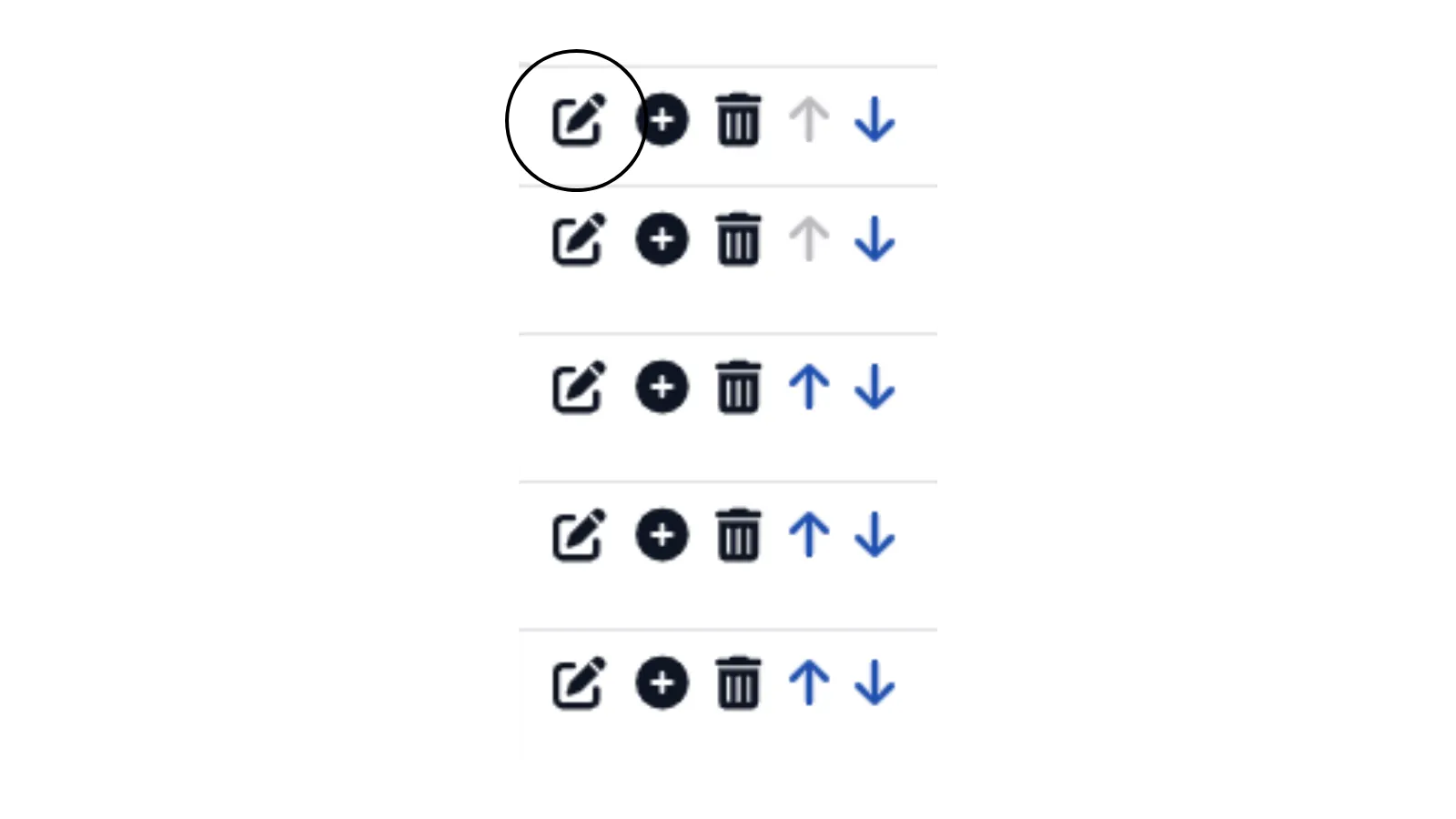
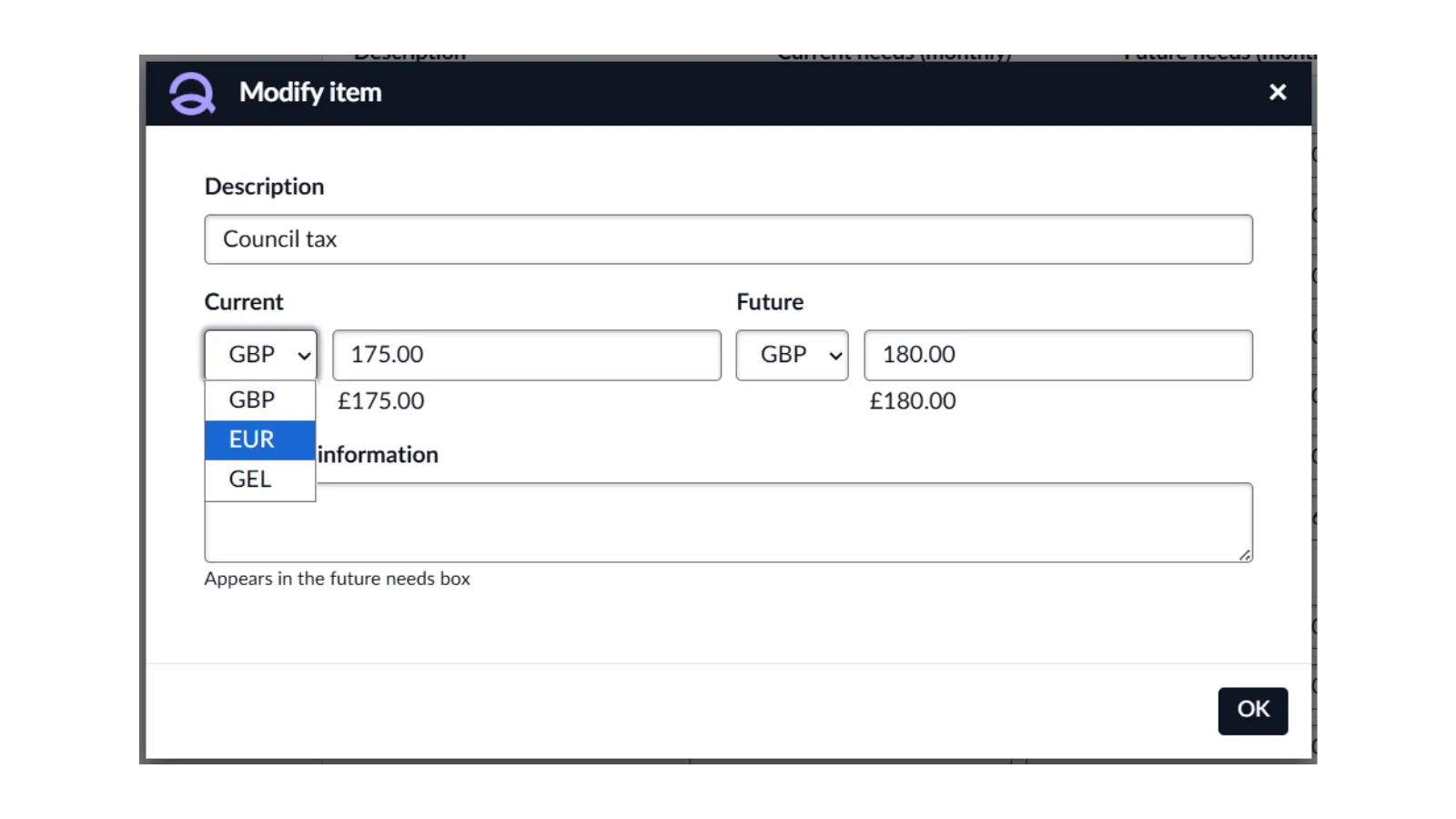
The pencil icon will allow you to modify the item. Here you can amend the description, use another currency, and add any additional information.
Currencies can be added in the case information section Exchange rates. Please see our guide Quantum Cloud - Case Information for more information.
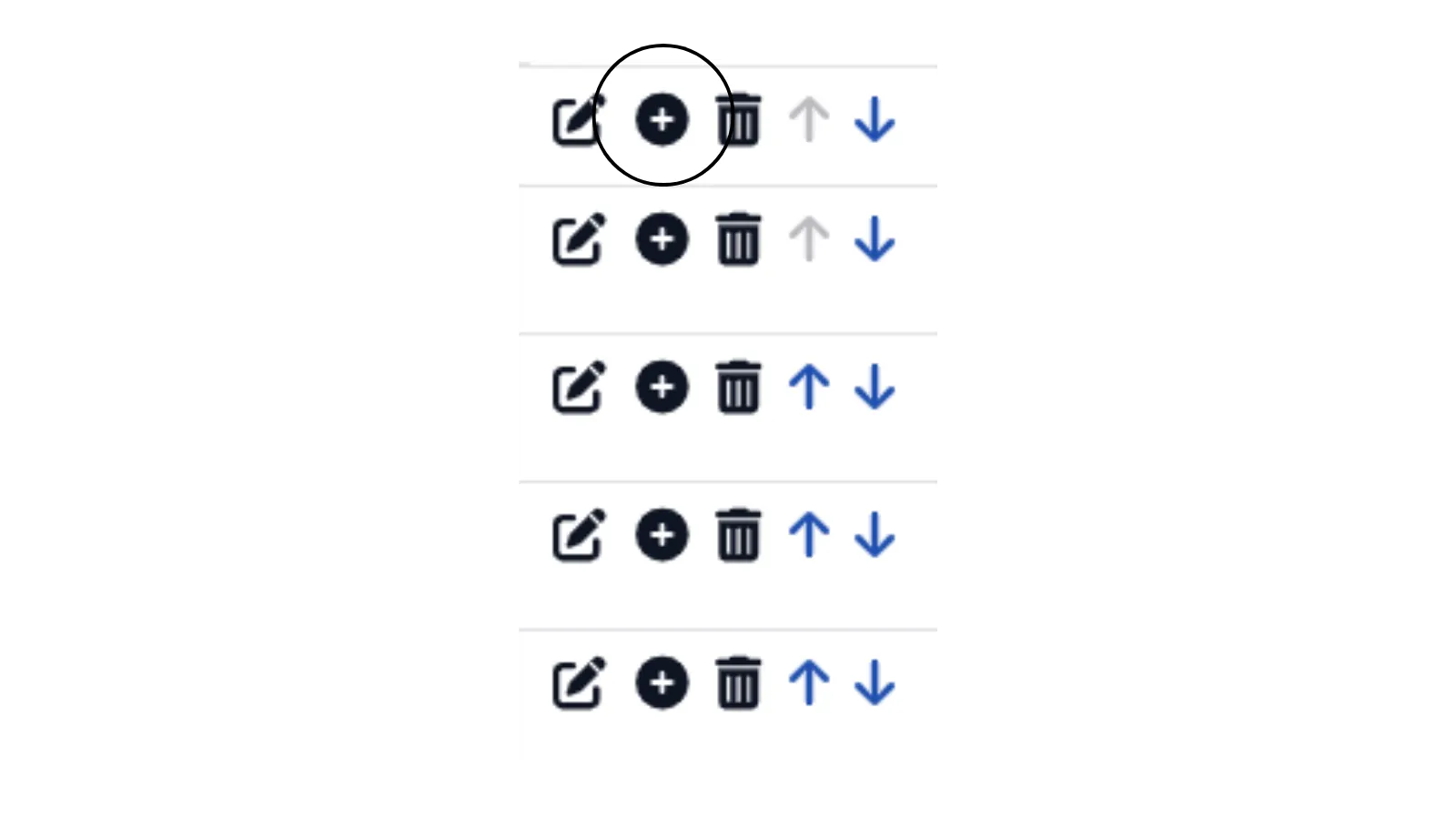
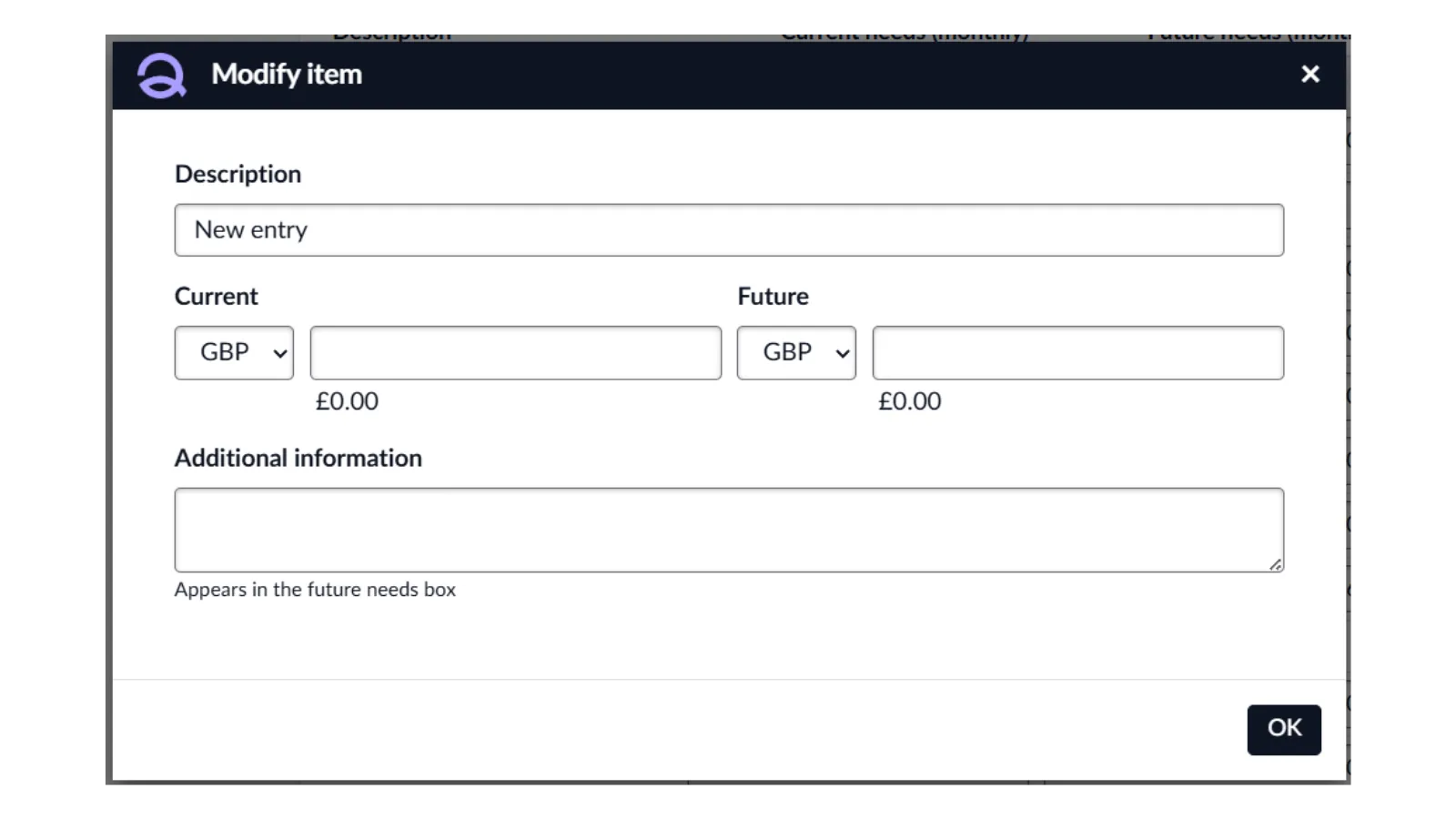
Clicking the plus symbol allows you to add a new item if you have an income requirement that isn't already listed. You can then enter a description and the corresponding amount for the new item.
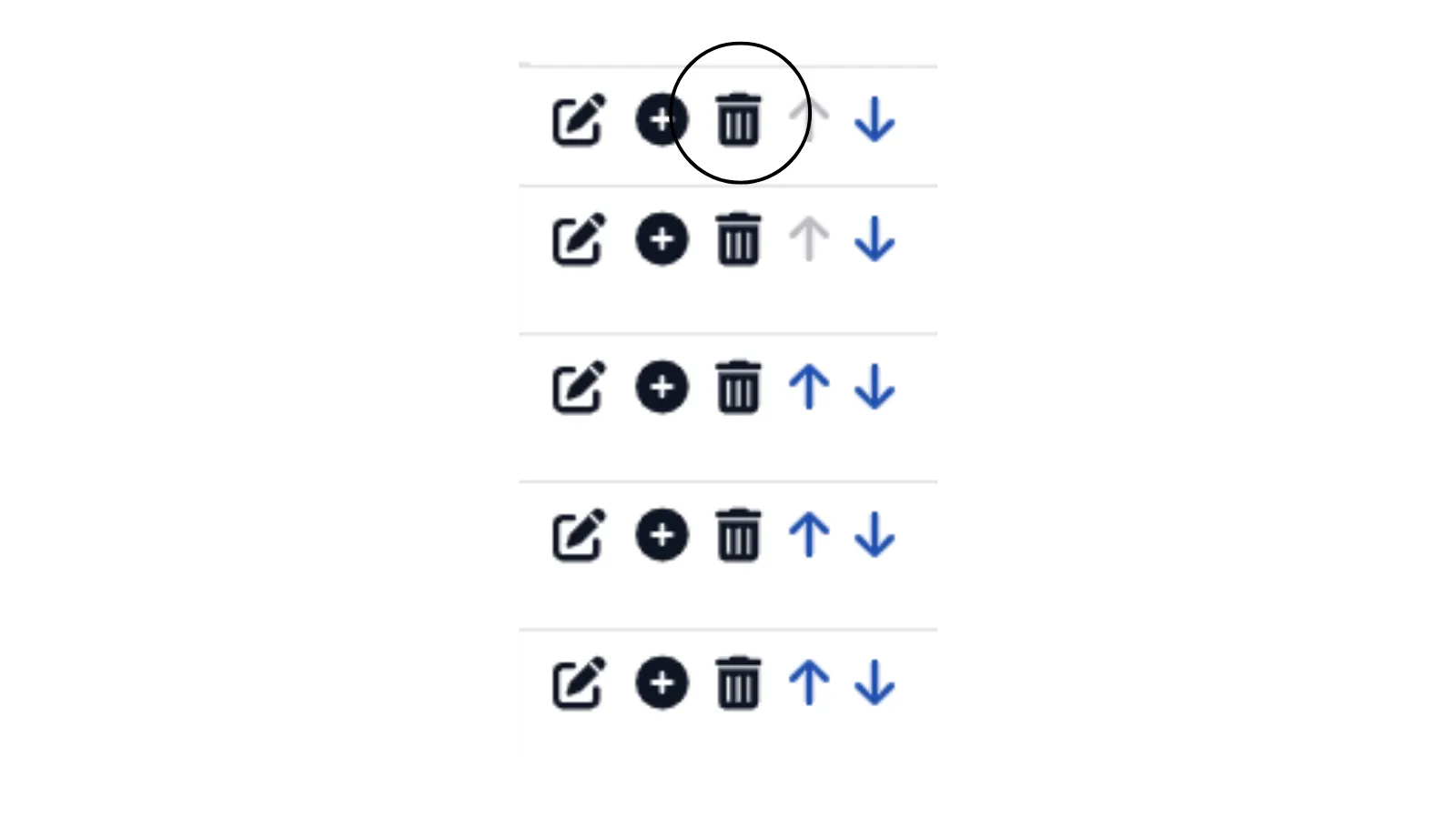
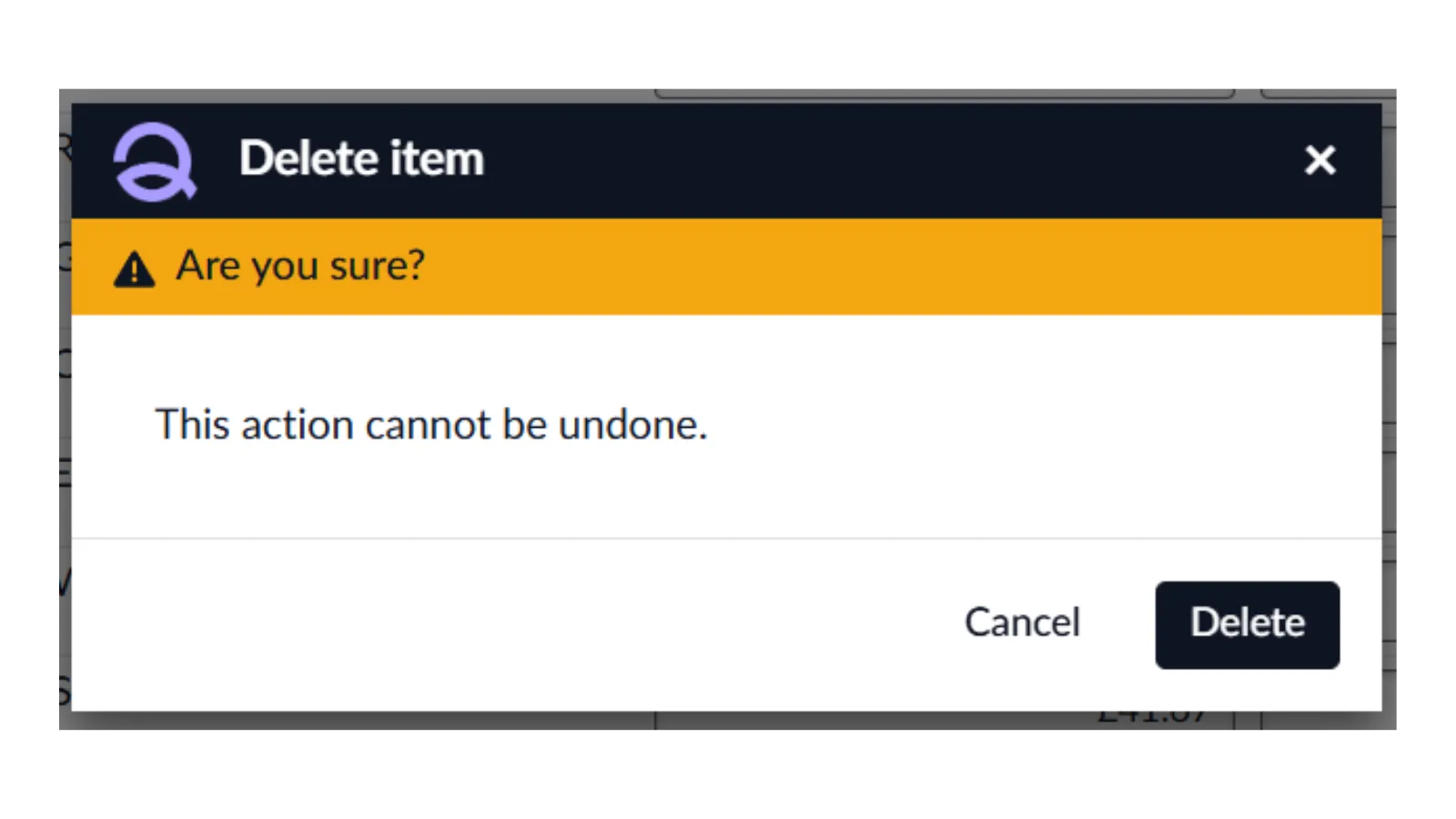
The bin icon will allow you to remove an item that it not relevant.
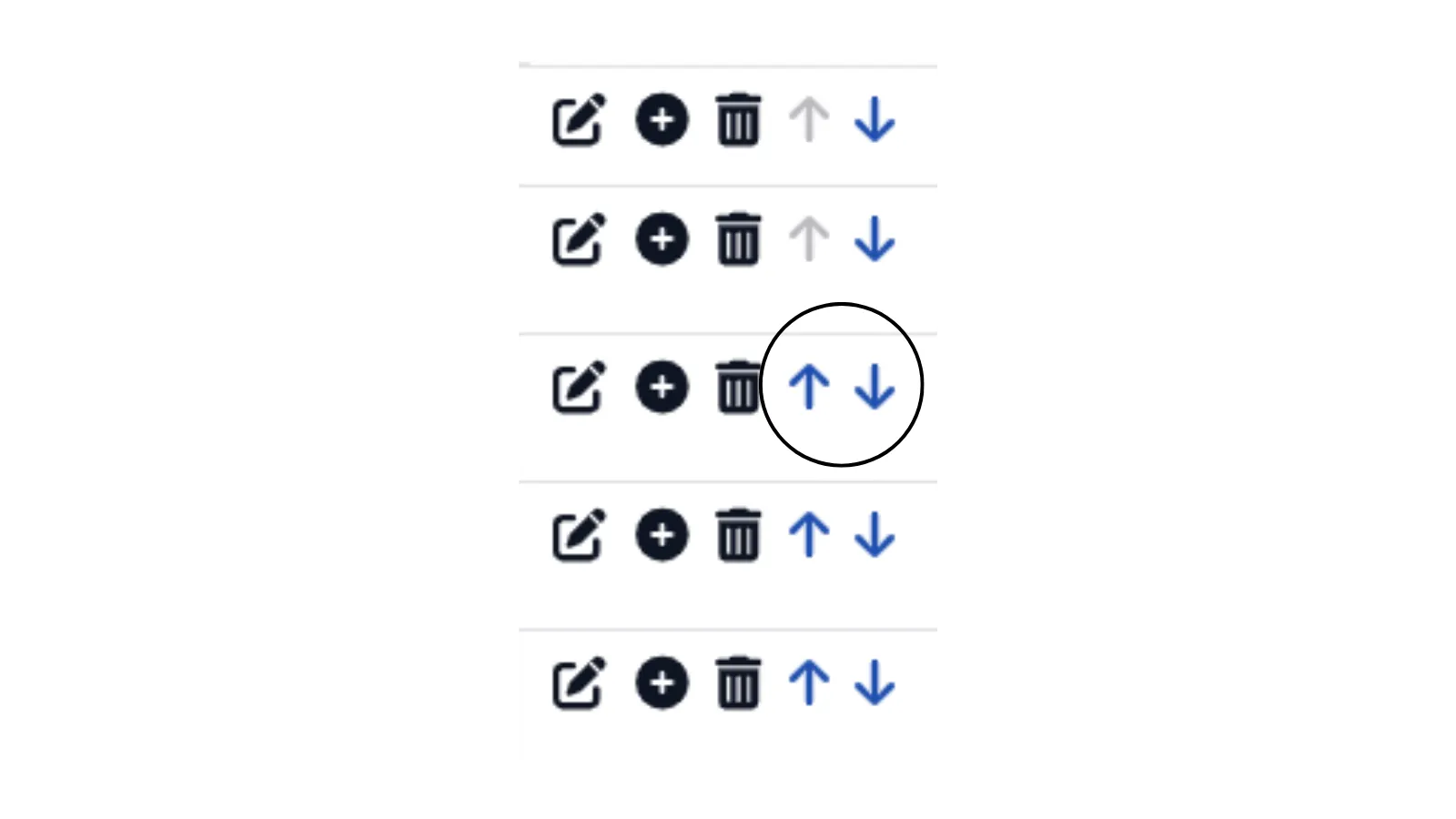
The blue arrows let you move an item up or down within the section, allowing you to adjust its position on the form as needed.
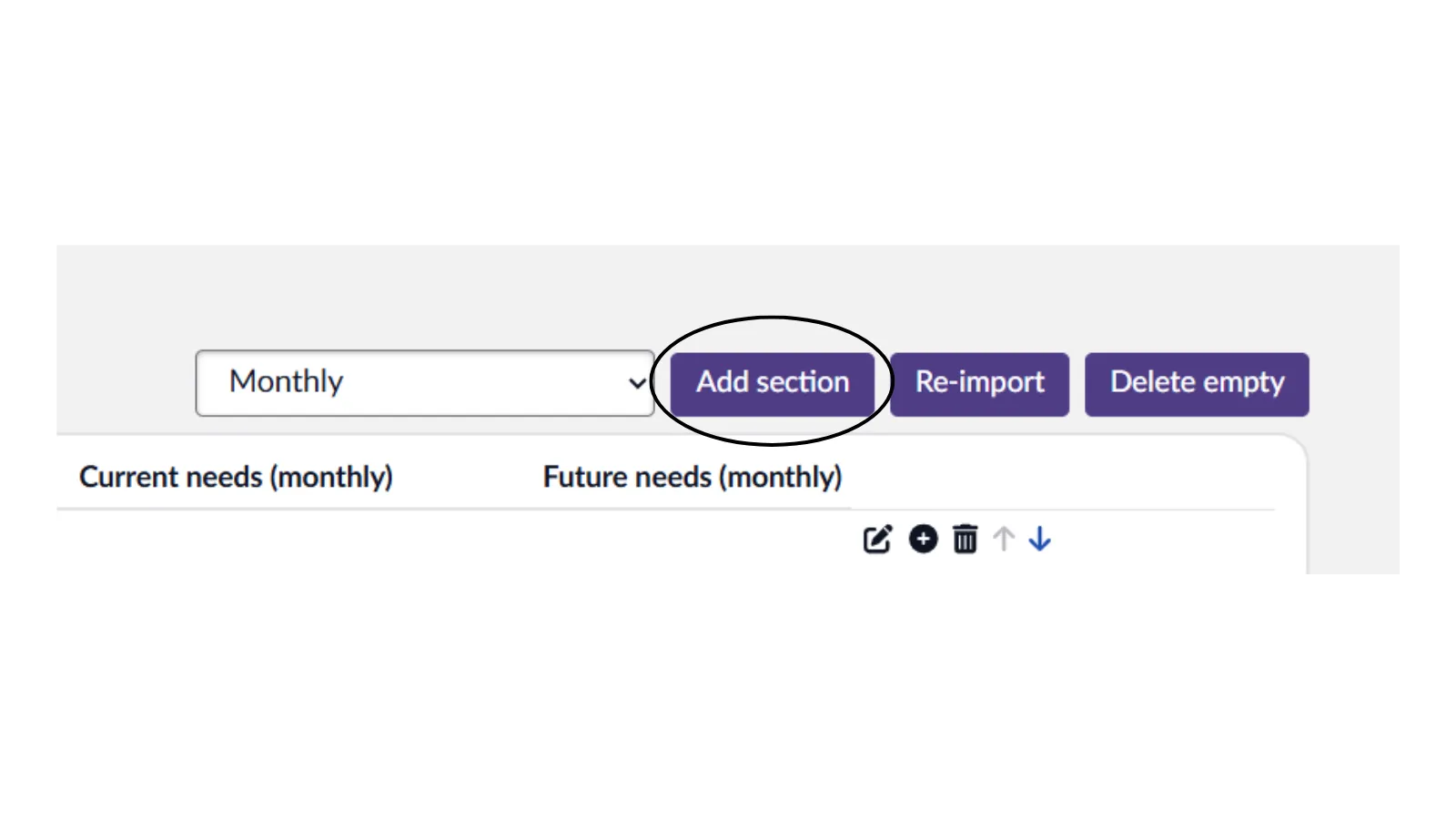
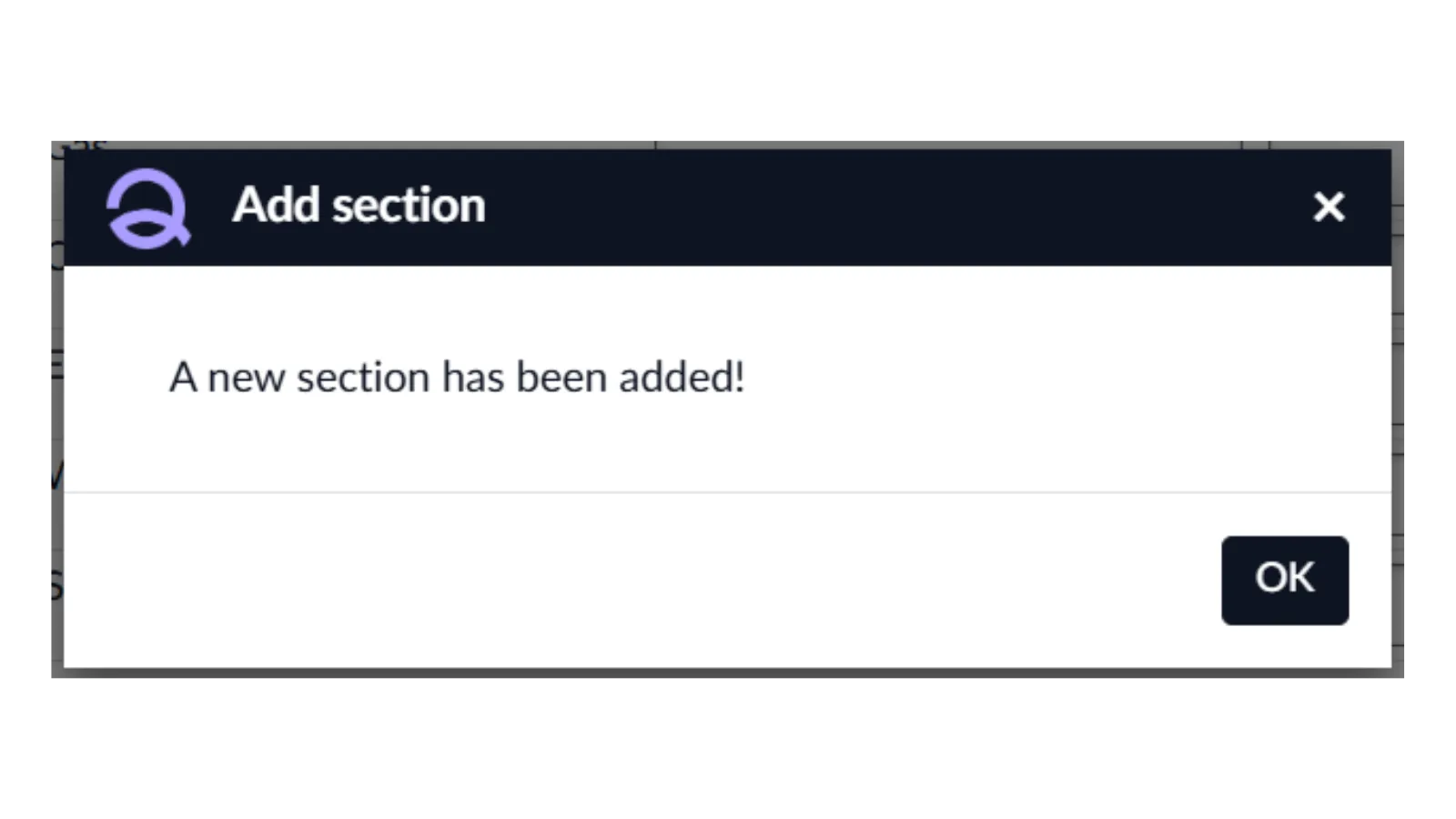
To add a new section, click the Add Section button. The item will be added to the bottom of the list, but you can rearrange its position using the up and down arrows if needed.
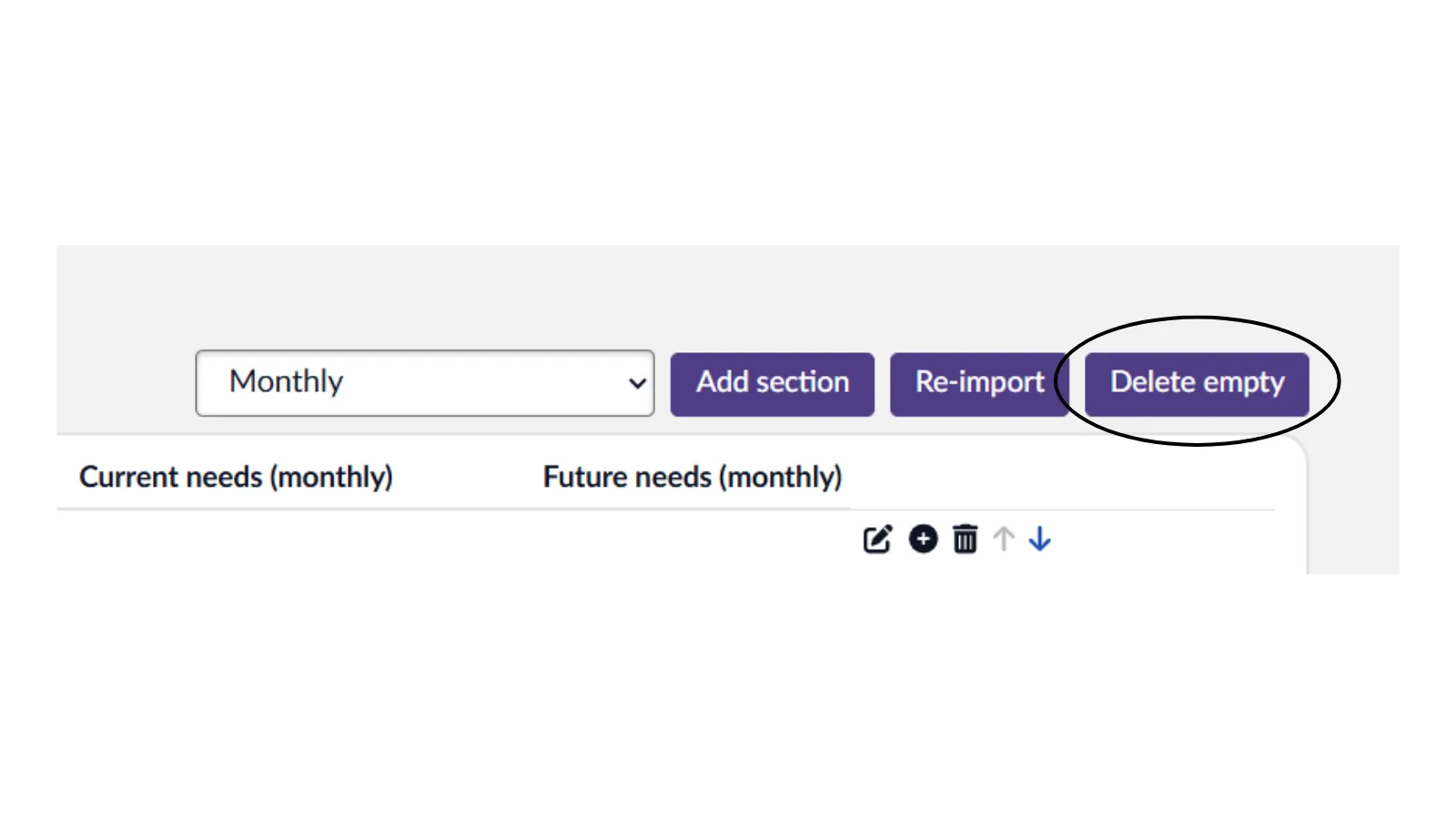
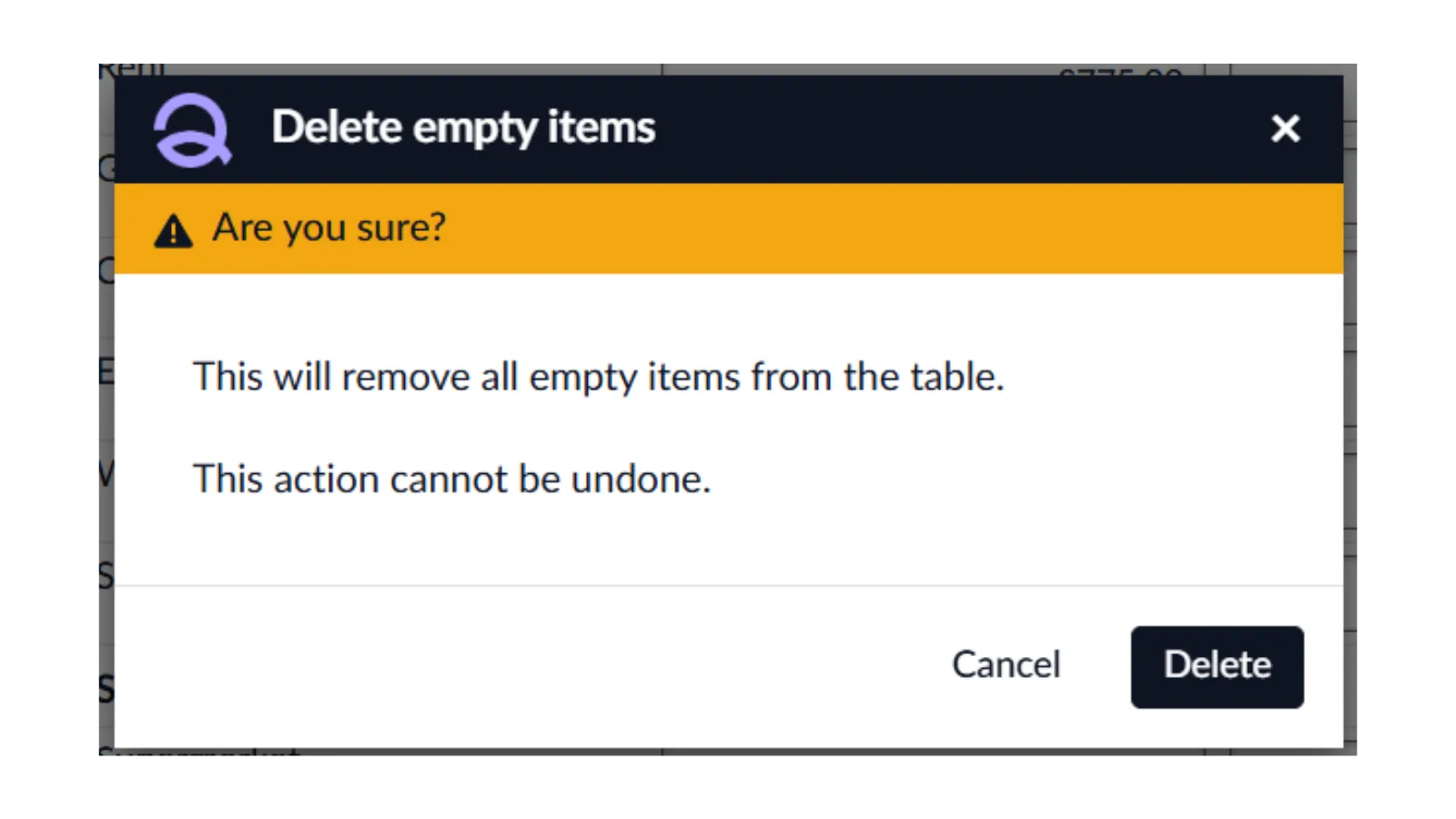
To remove any blank sections and items, click the ‘Delete empty’ button.
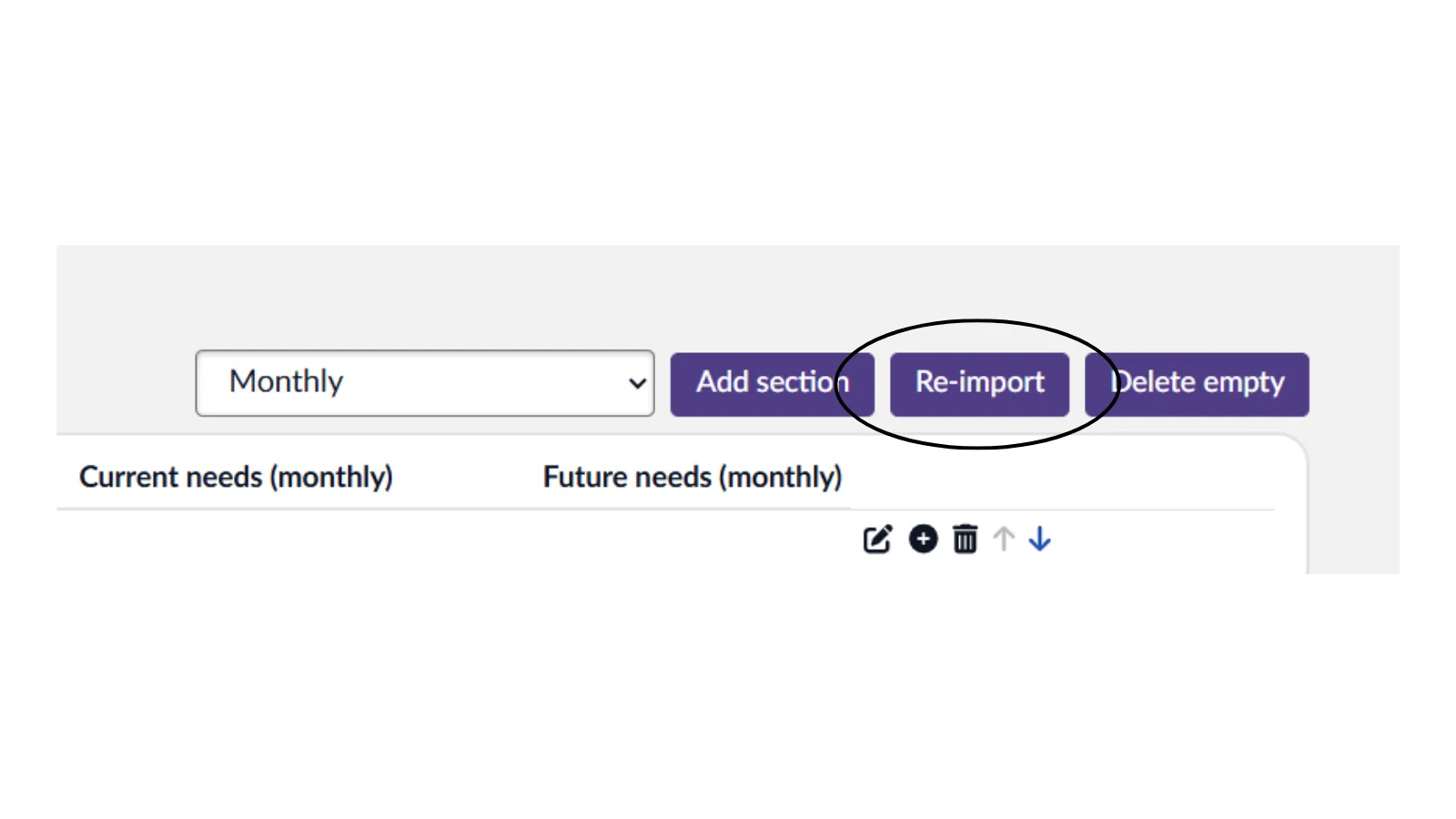
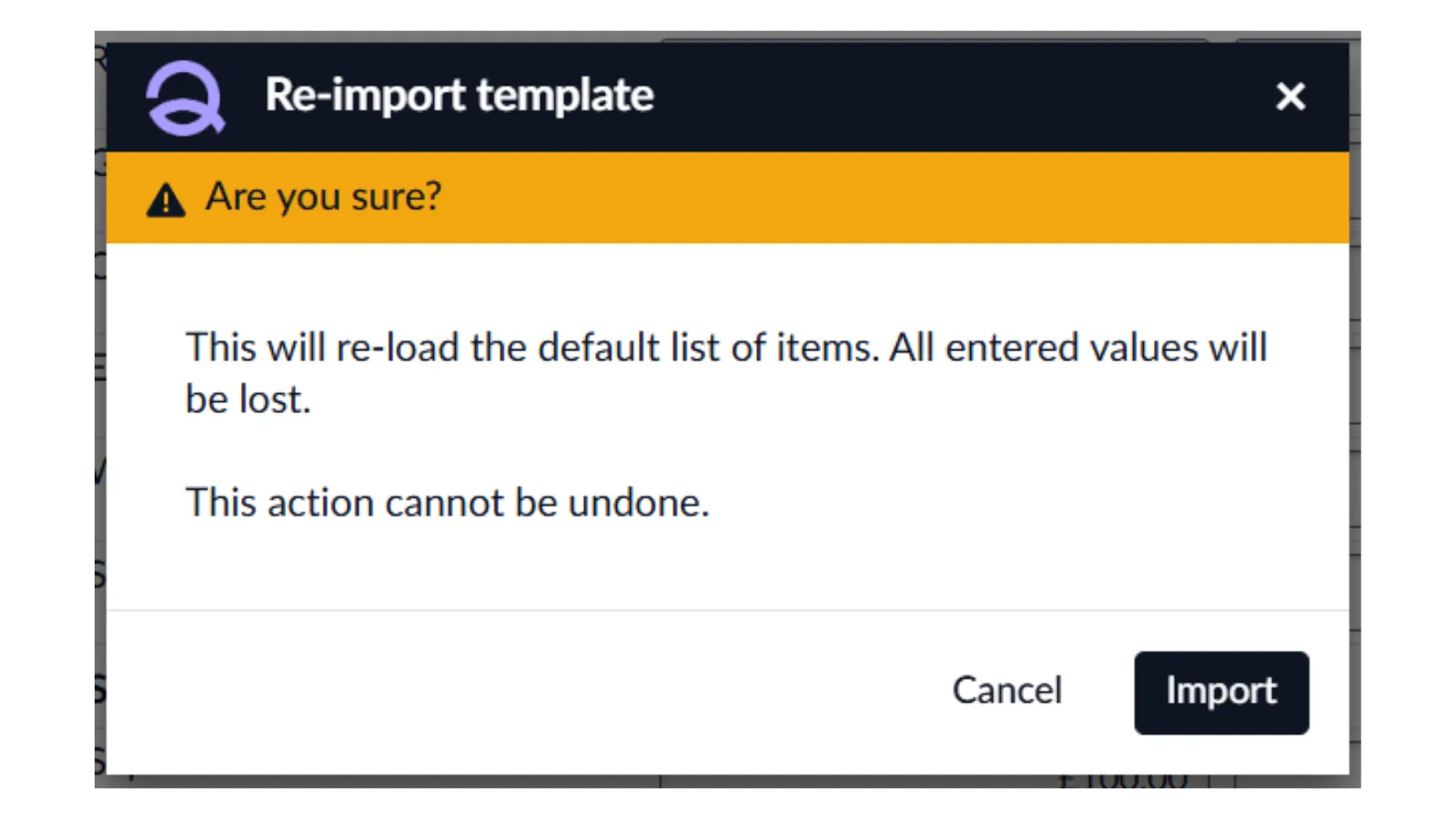
If you want to start over, simply click the ‘Re-import button’, this will erase all values and let you begin again with the default list.
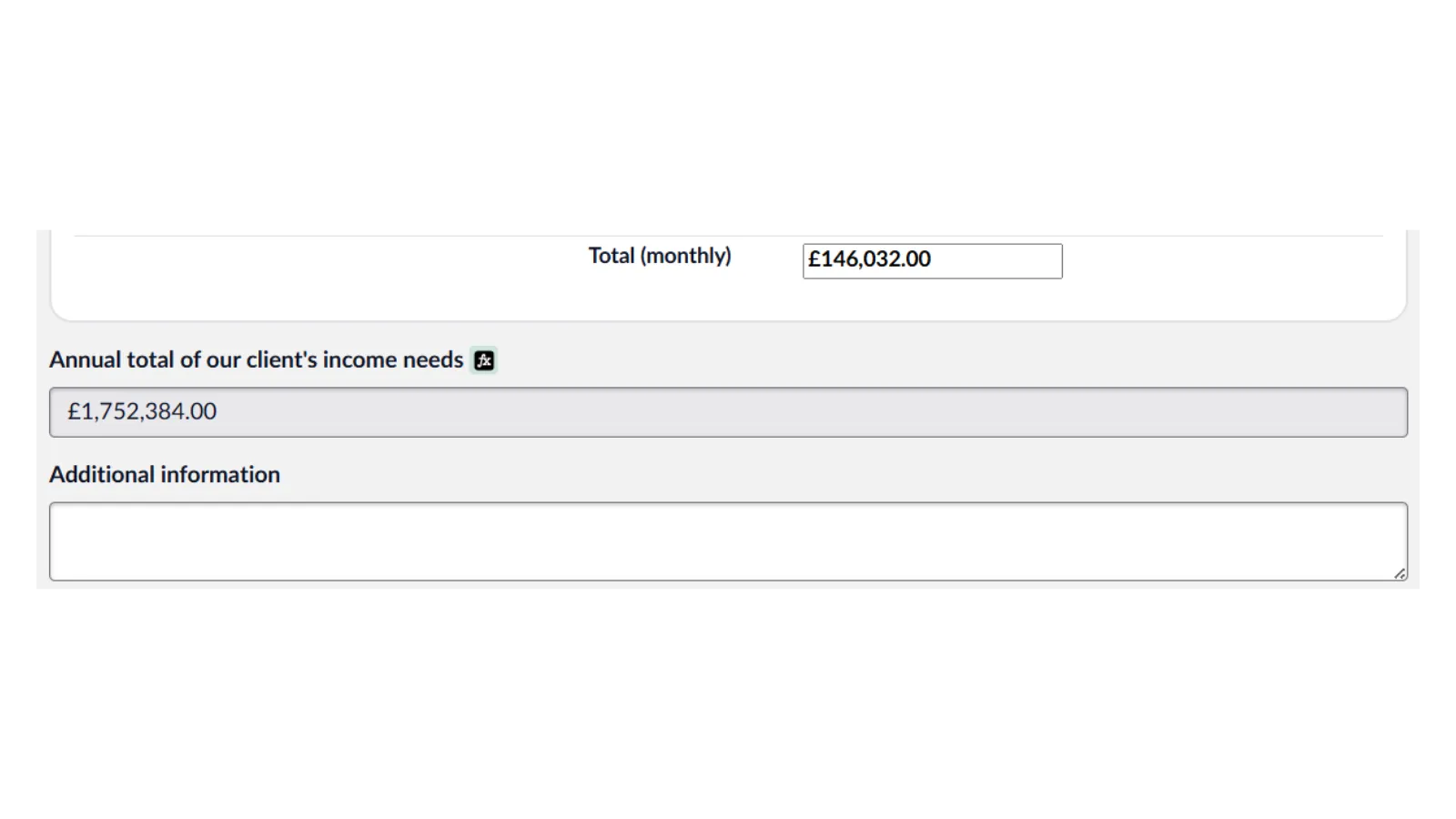
At the bottom of the page, you'll find a running total of your income needs along with a box for adding any additional notes.
If you have any questions or need support please email us at [email protected] or call us on 01652 652222. We are open from 9am-5.30pm, Monday to Friday.